 Airtime for every video
Be seen the way you want to be seen
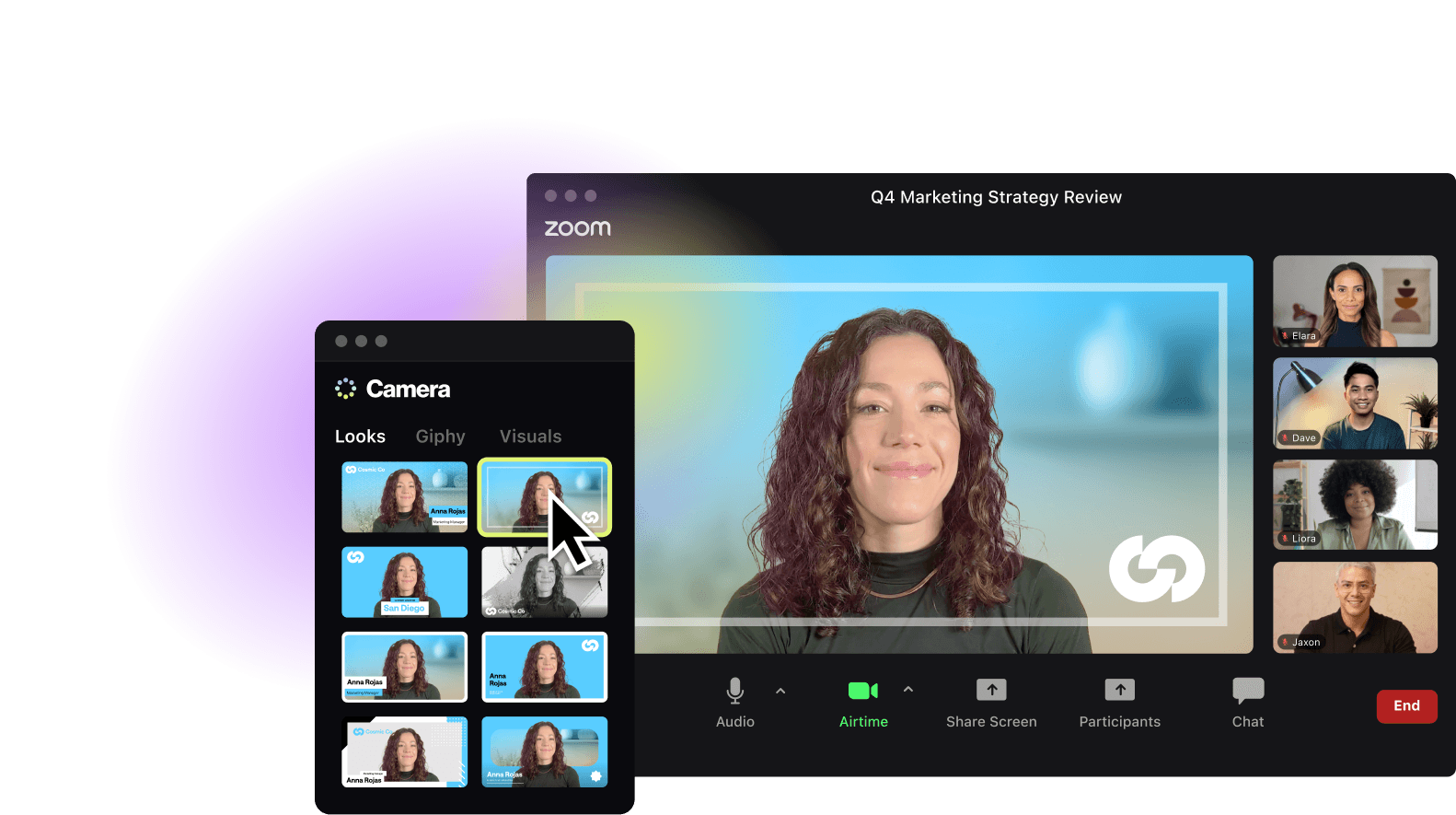
Looks matter. Airtime Camera sets the tone for every meeting with a clean background, vibrant color, and a personal touch. Stay on brand and feel confident—no matter where you work from.
You + your slides = Power duo
You’re more persuasive than your slides alone. Airtime Creator lets you pin visuals behind or around you, point out what matters, and focus your audience’s attention on whatever you want them to see.

Recordings that are easy to make, easy to watch
For fine-tuned slide layouts and editing, record with Airtime Creator. Or for fast screen recordings on web, use Airtime Recorder, a web-based tool with no install required.
Some tools are simple, but restrict you. Others are powerful but need a course to learn. Airtime hits the sweet spot with pro-level presence and an easy learning curve.
See Airtime vs. OBS and Airtime vs. Loom to learn more.
Like you, Airtime works anywhere
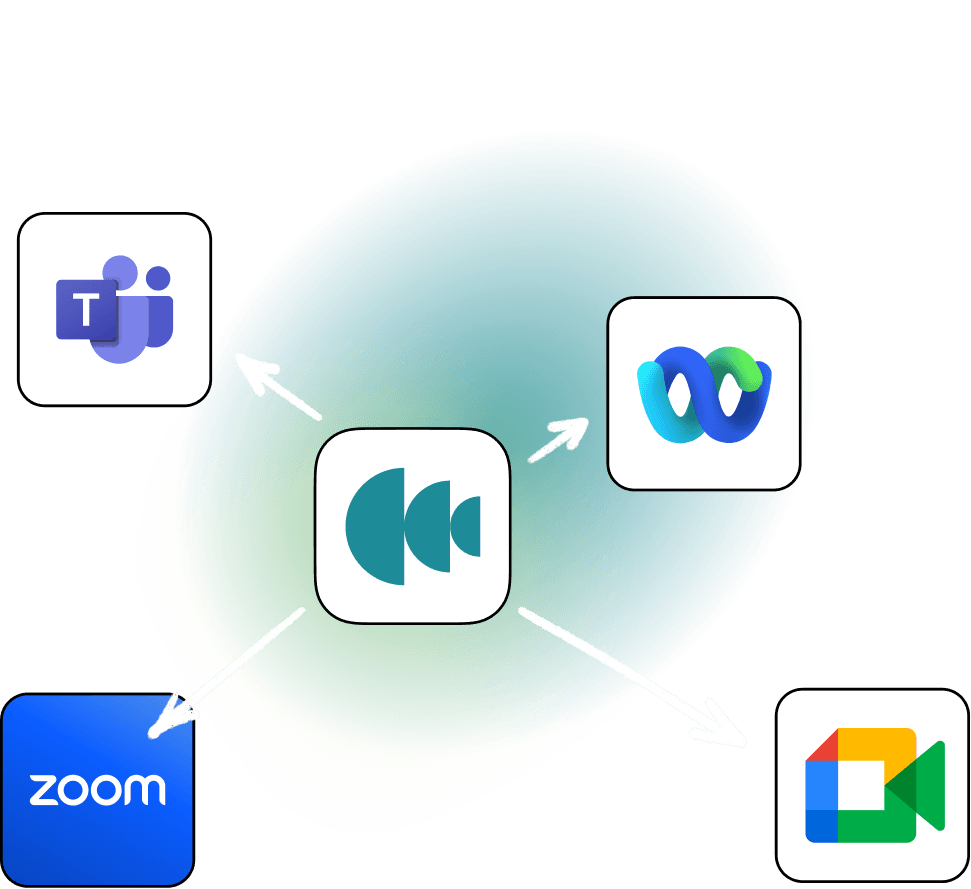
Airtime Camera works with Zoom, Google Meet, Microsoft Teams, Cisco Webex, and pretty much any video app (even that random video platform your client insists on using).
Our newest app Airtime Stacks provides you with a dedicated space to share on calls. Enjoy shared presence, greater participant interactivity, and the ability to revisit shared materials even after the call.
The subtle yet awesome ways Airtime improves teamwork
With Airtime Creator, you can fix mistakes, rearrange your video, and even use AI to help you organize your thoughts and improve the final results. So you can send the perfect video (without having to be perfect).